
IOS 8 – If you are installing IOS 8 and your device is not registered on the Developer portal, restore to IOS 7.
Again…. It seems to be a reoccurring pattern that once new IOS SDK’s are available, we cannot activate our Dev phones for some time… So instead of getting down with the nitty gritty with the iPhone / iPad IOS 6 SDK Beta release, checking out the new mapping etc we will be reading about it on other peoples blogs… The perils of being on the cutting edge is that sometimes you get cut. Were off to twiddle thumbs until later.
UPDATE ON HOW TO FIX THIS, IS NOW BELOW
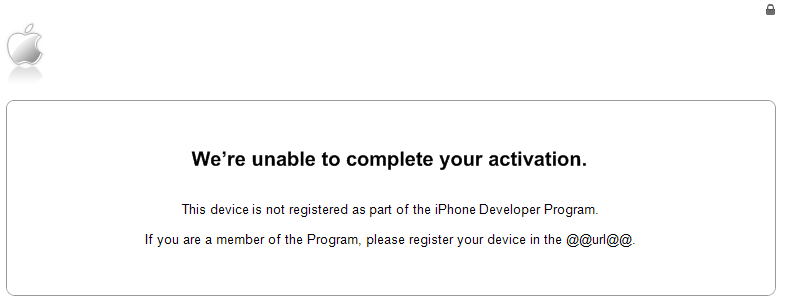
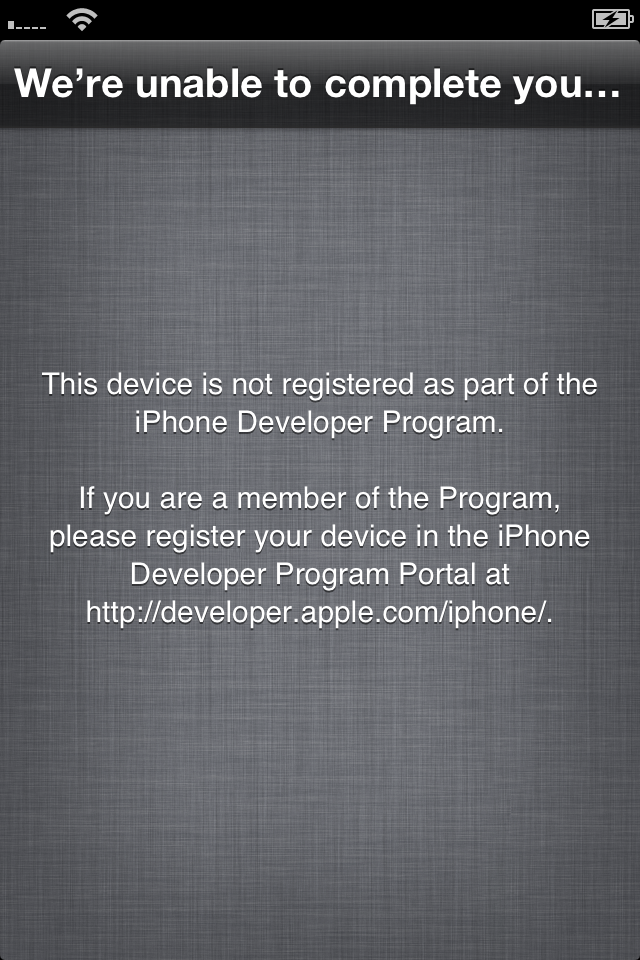
UPDATE: 12/06/2012 08:26
It appears the only way to fix this is by putting the iPhone into Recovery mode, restoring to original settings IOS 5 and reapplying the IOS 6 update. Make sure you do not disconnect the cable before you have access to the phone/ipad again!
How to get into Recovery Mode:
- Plug your iPhone/iPad into your PC/Mac and open iTunes 10.6.3.25
- Unplug the Phone/iPad from your PC/Mac leaving iTunes open
- Hold the Power and Home button until the device powers off, KEEP HOLDING THE HOME BUTTON
- Plug the device back in to te PC/Mac while still holding the home button.
- Your device should now be in recovery mode.
Not: When we say holding the home button, we actually mean keep the home button pressed!